

What is Bhokan?
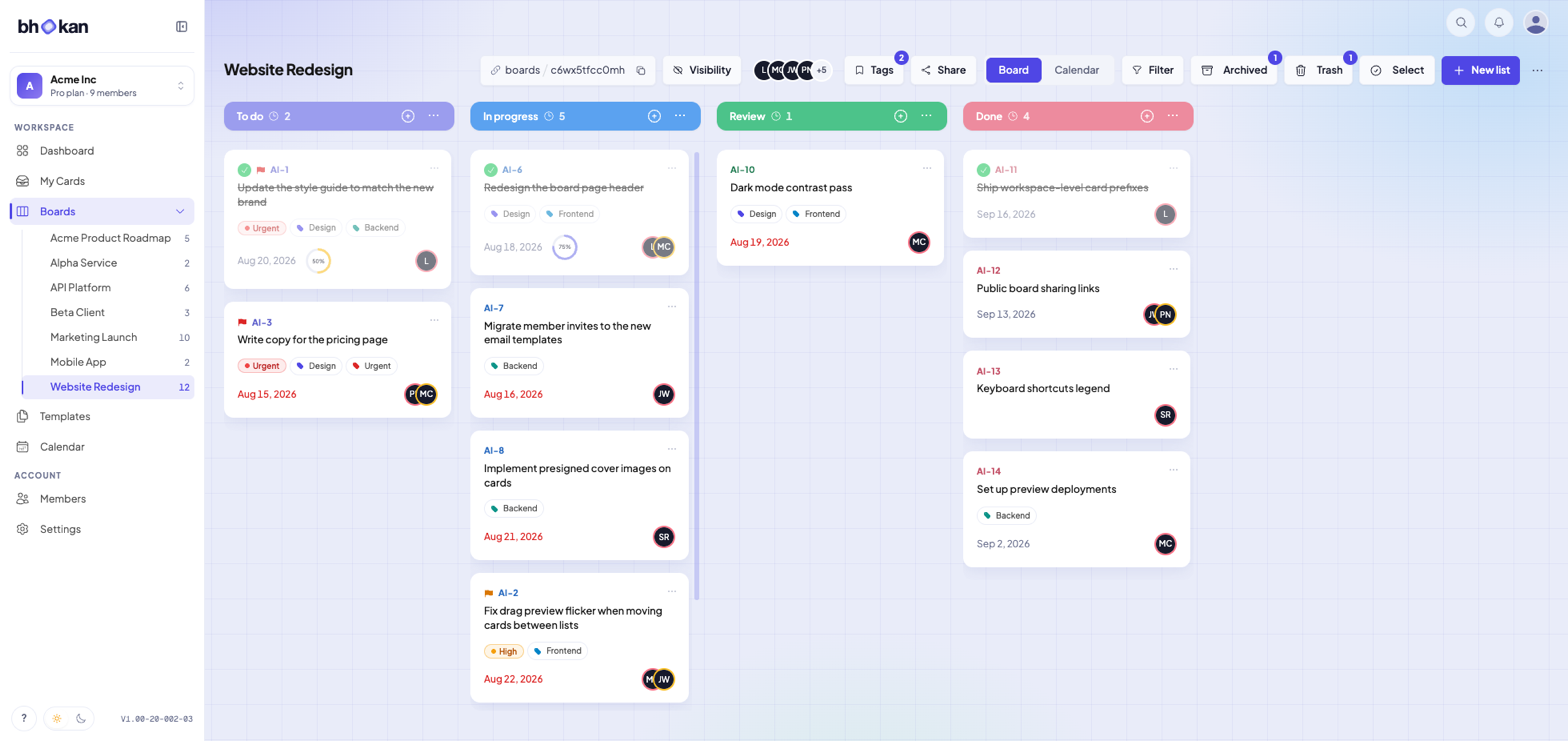
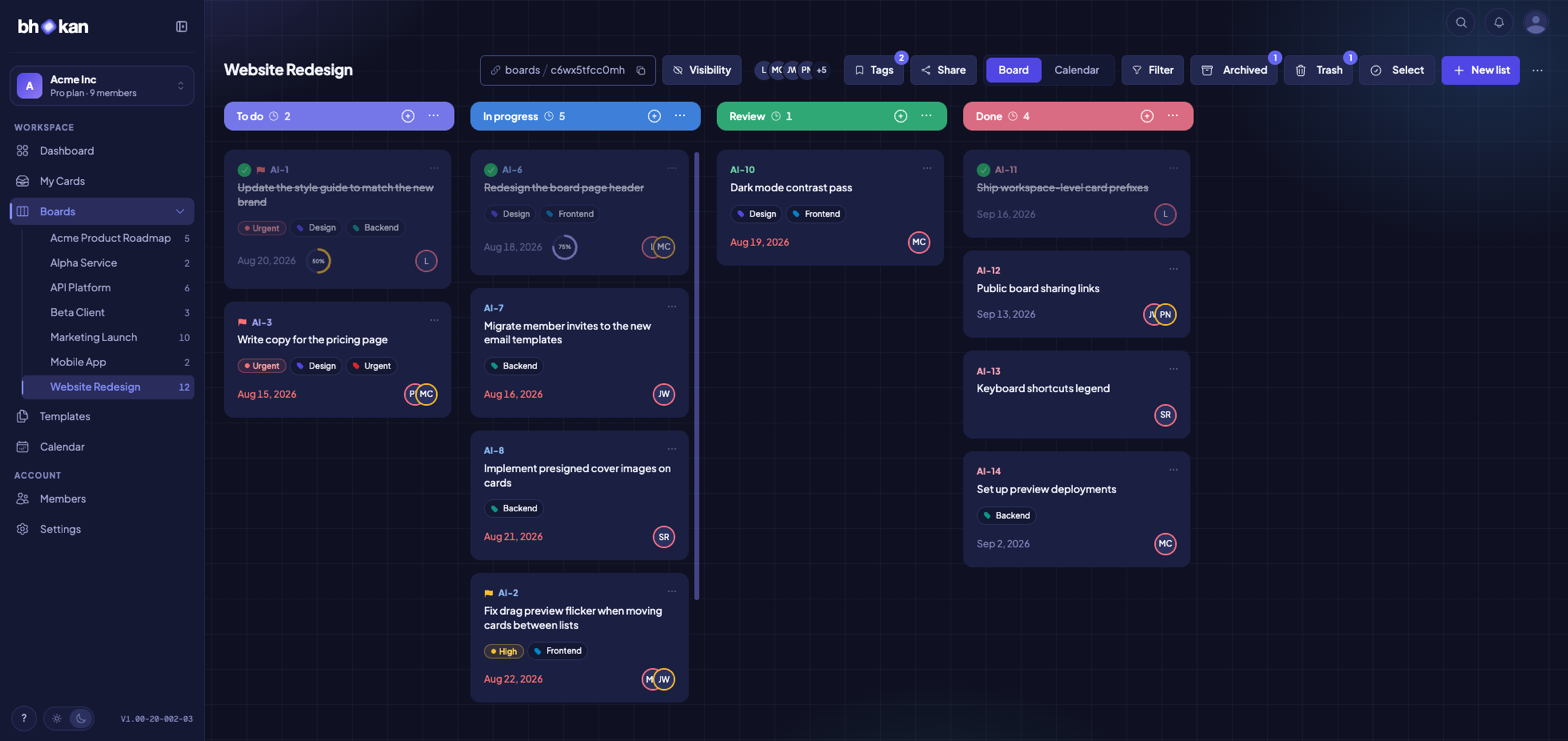
Bhokan is a project and task management platform built around a simple idea: managing work shouldn’t be work. You get boards, lists, and cards that stay out of your way — not another tool that piles on timesheets, invoicing, and CRM features until it feels more like an accounting system than a place to get things done. Everything is organised the way teams actually think: boards for projects, lists for stages, cards for the work itself. Labels, filters, due dates, checklists, comments, and a full activity history keep everyone on the same page without ceremony.The card
Most of Bhokan happens on a card, so that is where the depth is.Checklists
Break a card into steps and watch the ring fill as they get ticked off.
Priorities
Flag a card Low to Urgent, and filter any view down to what matters first.
Completion
Tick a card done. It stays on the board, struck through, and out of your
open filter.
Comments
Discuss on the card itself, in threads. Mention someone and they hear about
it.
Attachments
Keep the file with the work it belongs to, on the card itself.
Activity log
Every move, edit and assignment, in order, on the card it happened to.
Seeing your work
- Calendar — every due date by month, week or day, and drag a card to reschedule it
- My cards — every card assigned to you, across every board, in one list
- Labels and filters — filter by label, member, due date or priority, and keep the filter in the URL
- Search — jump to any board or card from anywhere, with one shortcut
- Board tags — tag boards by client or quarter, and filter the board list down to them
- Bulk actions — select several cards and move, label, assign or clear them in one go
Working together
- Workspace members — invite by email or link, with roles that decide who can edit and who can only watch
- Roles and permissions — build your own roles, and decide per person who can edit what
- Board visibility — keep a board to your team, or hand out a read-only link that expires when you say so
- Notifications — mentions and assignments arrive live, and by email only if you missed them
- Nine languages — the whole app translated, with dates and numbers in the local format
Getting your work in, and out
- Templates — save a board’s shape and start the next project already set up
- Trash — a deleted card waits for your plan’s retention window before it goes for good
- Webhooks — send card events to any URL, signed, so the tools you already run stay in step
- REST API — a documented API and personal keys, for anything you want to wire up yourself
Getting Started
Create your account
Sign up and set up your first board in minutes.
Import your boards
Bring your work across from Trello, GitHub or a CSV file.
API Reference
Integrate with Bhokan’s REST API.
Pricing
See which features each plan includes.
Some features are plan capabilities — the REST API, CSV and GitHub import, and
trash retention among them. The pricing page
lists exactly what each plan grants.